

Comes with a paid Claude plan
Claude Code
Writes the scripts that build each shot with me, and runs Blender and the other tools from the terminal.

The 3D was made in Blender, and every screen in it is real work. Here’s how it came together, and how to set up the same tools yourself.
Every screen is real work, captured from the real thing: my own site, sites I’ve built for clients, and apps I’m building now.

A drop of light lands, rings spread across the liquid, and BrandOr’s logo rises out of it.
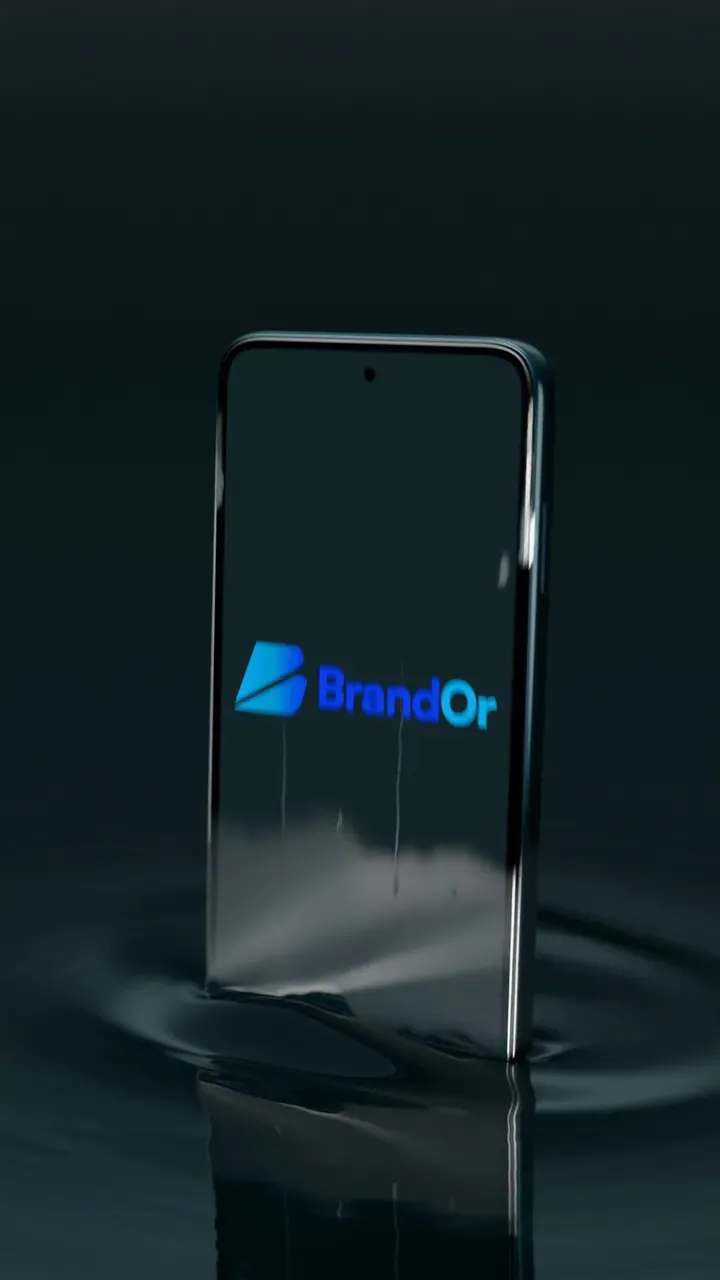
The logo sinks into a phone’s screen as the phone rises, then four apps I’m building flick past on the beat. They have no names yet, because they’re not finished.
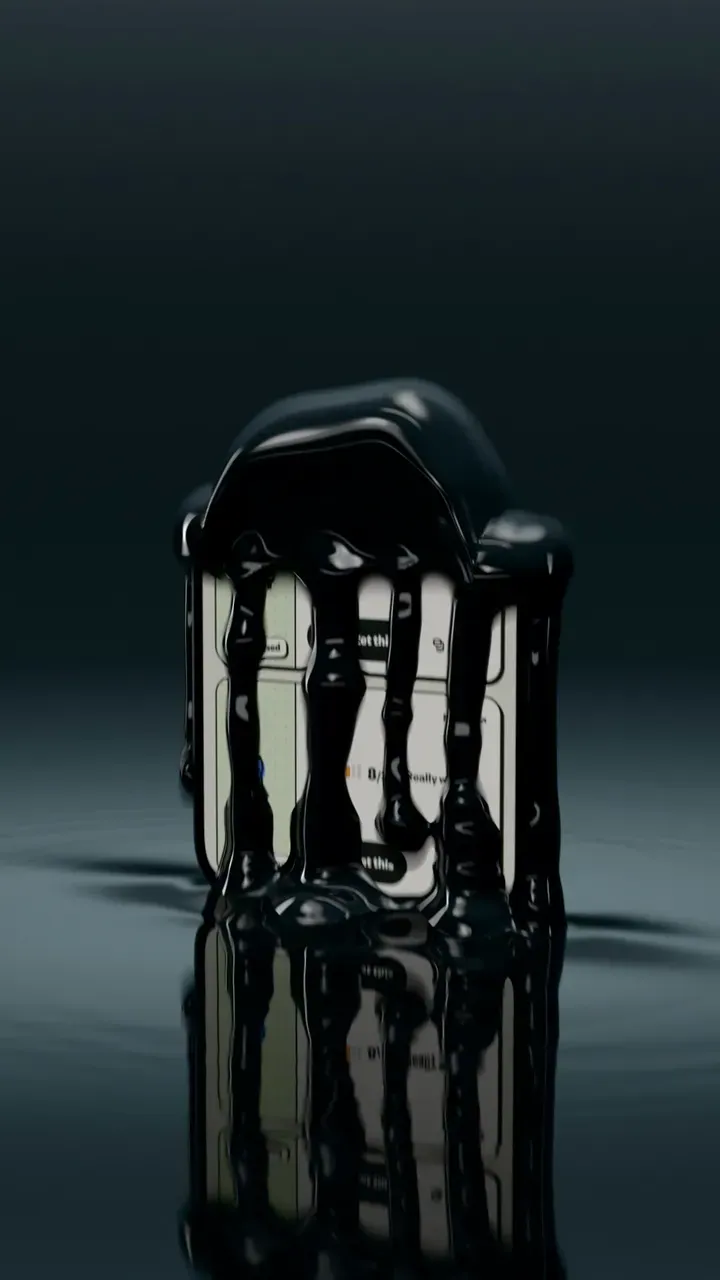
On the drop, the phone melts back into the liquid, and the liquid pulls itself up into a laptop.
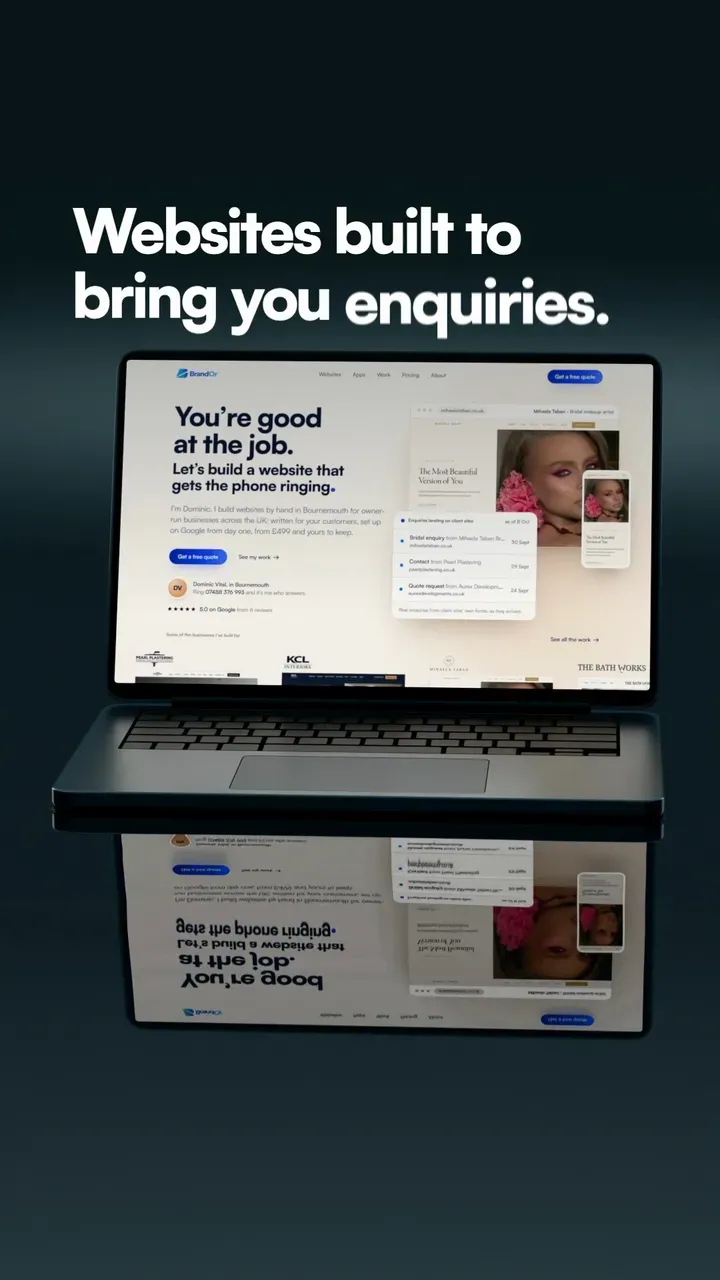
Its screen lights up on brandor.co.uk’s home page and holds it for a moment, then scrolls.
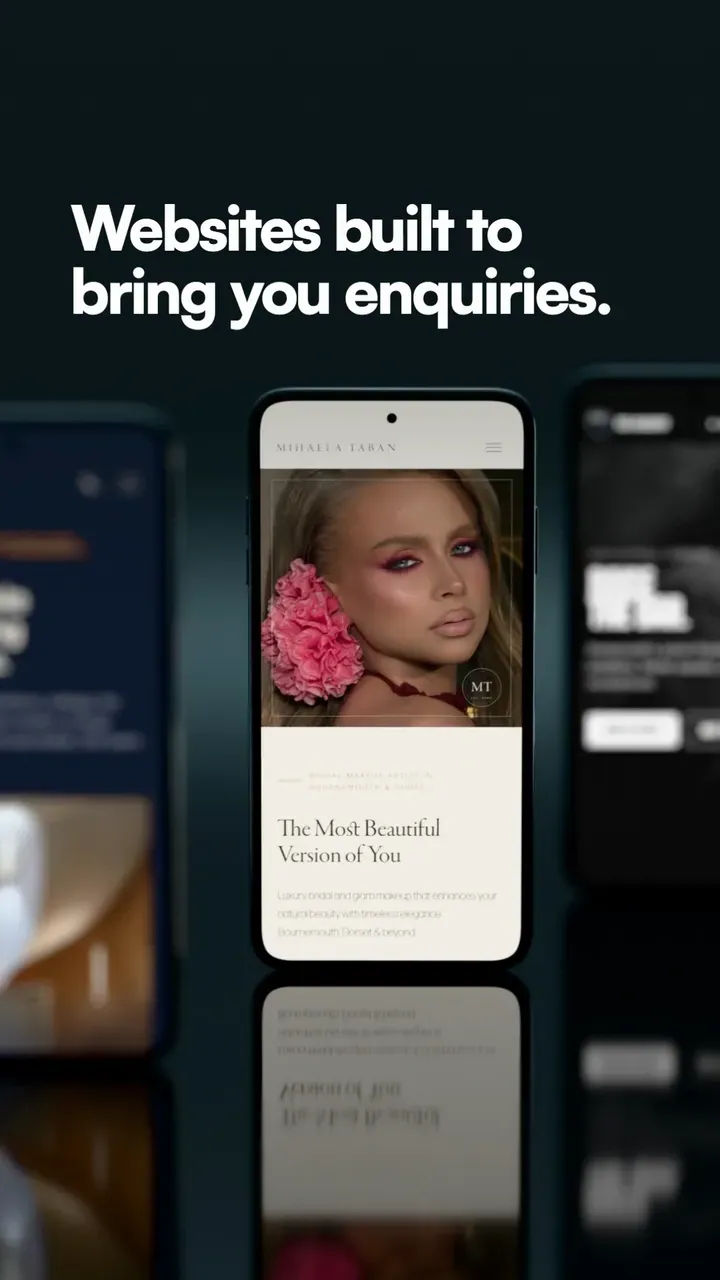
Sites I’ve built, on phones, with the focus moving to the next on each beat: The Bath Works, KCL Interiors, Mihaela Taban and RTB Football Academy, with Nexura Solutions beside them.
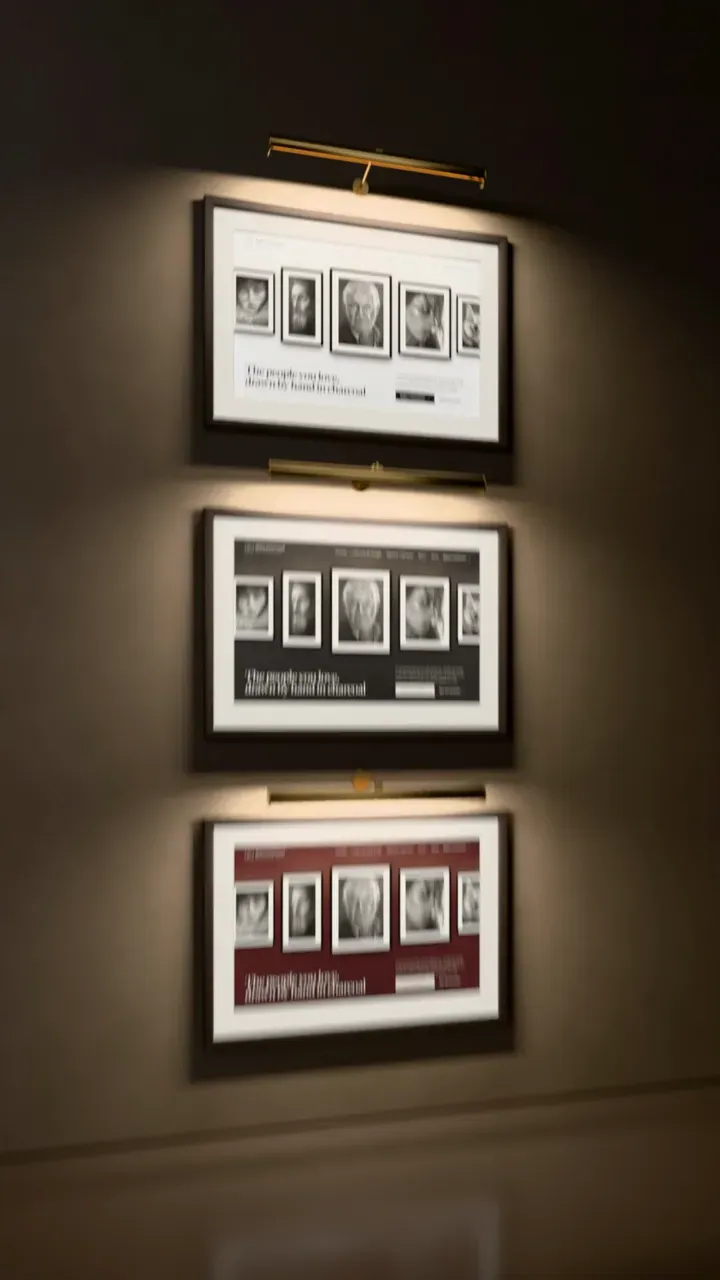
The site I’m building for Rob Greenwood Fine Art, in its three colours, hung as framed pictures under picture lights.
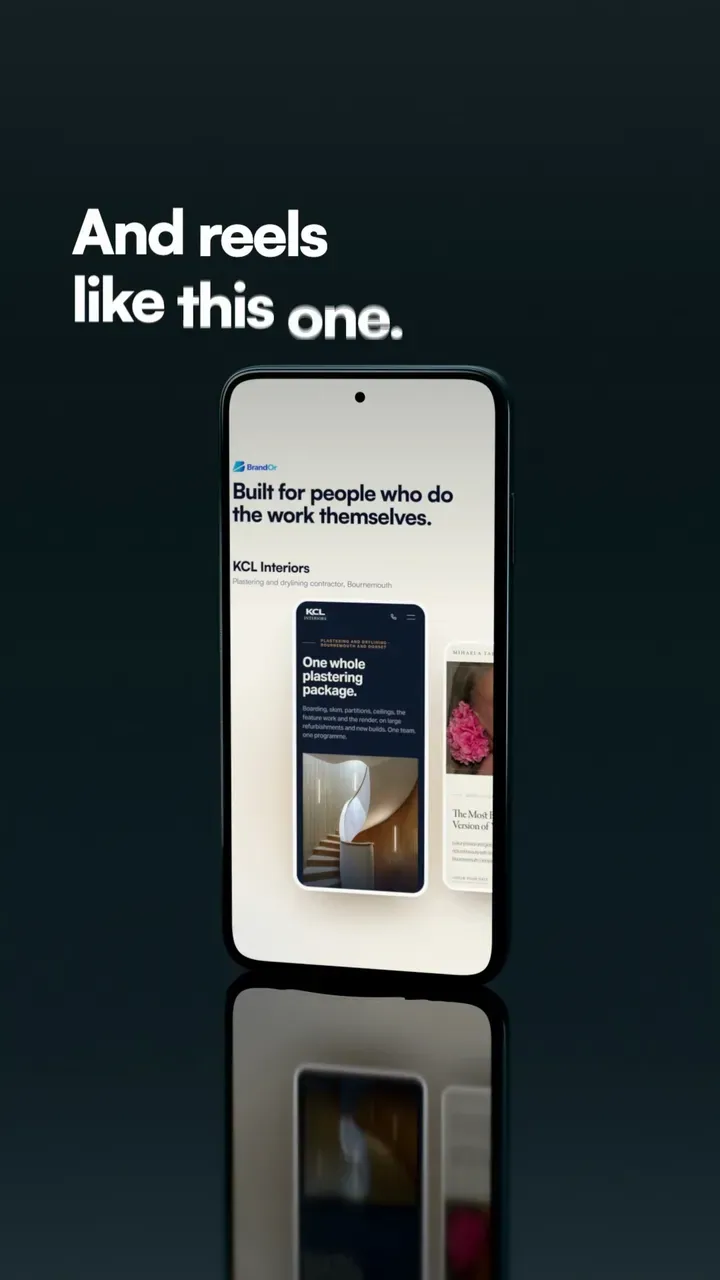
BrandOr’s own reels, playing on a phone, one after another.

It opens out of the phone’s screen, and it’s the one part made in the software that cuts the reel rather than in Blender.
Then the screens, the 3D, the render and the edit. This is how each part was done.
I chose the track before building the shots, found exactly where each beat falls, and gave every shot a set number of beats. That’s why the cuts land on the music.
Every website in the reel was captured from the real site, at high resolution, by a browser working without a window. That keeps the text sharp when it’s on a 3D screen.
Each shot is a Python script that builds the scene in Blender: the liquid, the phone, the laptop, the lights and the camera. Claude Code writes the scripts with me and runs Blender in the background, so no shot is built by hand. Any of them can be changed and run again: when the logo needed to be blue rather than white, I changed the scripts and rendered the shots again.
Blender’s Cycles renderer draws every frame on the graphics card, at about 12 to 30 seconds a frame on my laptop’s RTX 4080. The reel is 855 frames, most of them 3D, so the final render ran overnight, unattended.
The finished shots go into BrandOr’s own studio software, which I built for making reels. It cuts them to the beat, adds the captions and 23 sound effects under the music, and checks every frame against the shot it came from before anything is posted.
Apart from Claude Code, which comes with a paid Claude plan, the software is free. The computer is what costs: 3D renders slowly without a good graphics card.
Comes with a paid Claude plan
Writes the scripts that build each shot with me, and runs Blender and the other tools from the terminal.
Free
The code editor I work in. With the Claude Code extension, the scripts and the conversation sit side by side.
Free
The 3D software. It does the modelling, the liquid, the materials, the lights and the rendering.
Free
Turns thousands of rendered frames into a video, and handles the sound.
Free
Runs the scripts that capture the websites, and the ones that cut and check the video.
Hardware
Blender renders far faster on the graphics card. Mine’s an RTX 4080 in a laptop. A slower card works too; it just takes longer.
Connectors are add-ons that let Claude Code use other services. These are the useful ones for reels.
Start small. One frame that looks right teaches you more than a whole reel that doesn’t.
Install VS Code, add the Claude Code extension from its Extensions panel, and sign in with your Claude account.
All three are free. Note where Blender installs itself: Claude Code needs to know where to find it.
Make one folder for the reel and open it in VS Code. The scripts, the rendered frames and the finished video all live in there.
Ask Claude Code for a Blender script with a single object, a light and a camera, and to run Blender in the background to render one frame as a picture.
Open the picture, say what you’d change, and run it again. Once a still looks right, render a few seconds at low quality to check the movement, and only then the full-quality version.
Playwright when you want screenshots of a website, and Cloudinary and Buffer when there’s something to post.
Longer than you’d think. Each frame took about 12 to 30 seconds to render on my graphics card, and the reel is 855 frames, most of them 3D, so the final render ran overnight. Check stills and short, rough previews first, and leave the full render till last.
Probably not. My first ripples came out jagged and basic, and the reel went through several rounds of changes before it looked like this. Plan for a few goes.
There’s a community-made one that drives an open Blender window. I use scripts instead, because a script can be run again, changed and checked, and it gives the same shot every time.
Check before you post. Posts from a business count as commercial use, so a chart song can be muted or taken down. Meta’s Sound Collection is cleared for Instagram and Facebook; for anything else, check the licence first.
Its music isn’t licensed for websites, so the copy on this page is silent. The version with sound is on BrandOr’s Instagram.
Tell me what you’d like people to see and where you post. You’ll get a straight answer about what would work, and the price in writing before anything is made.
Rather talk? Ring 07488 376 993, Monday to Friday, 7am to 6pm. It’s Dominic who answers.